Invoice Fraud Checker: How to Spot Fake Invoices and Last-Minute Payment Changes
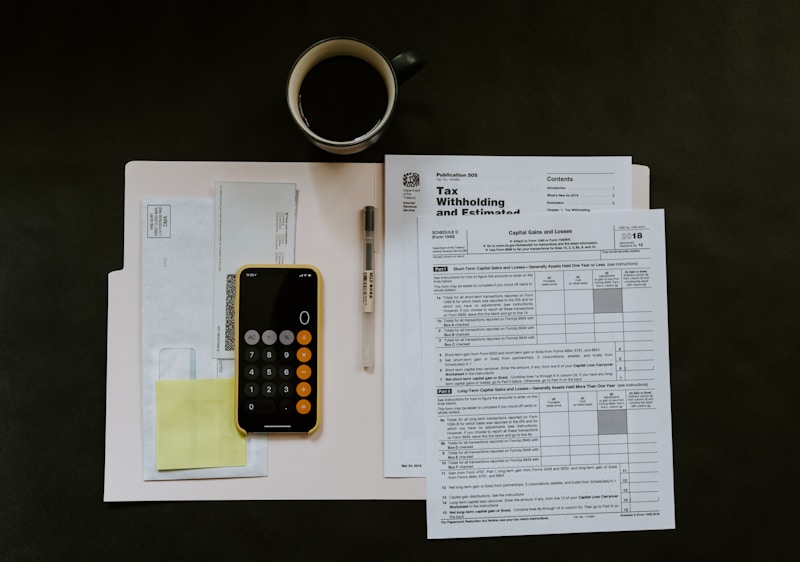
Invoice fraud is dangerous because it usually arrives dressed as normal business operations. A supplier invoice, updated bank detail, or urgent finance request can look routine enough to bypass instinct. That is why an invoice fraud checker matters. It helps you slow down and verify whether the payment request is legitimate before funds are redirected to a scammer.
What a invoice fraud checker should look for
Most invoice fraud starts with a fake invoice, a supplier-impersonation email, or a message saying payment details changed at the last minute. The attacker often copies a real vendor name, amount, and timeline so the request feels operational rather than suspicious. The goal is simple: get your team to send a real transfer to the wrong bank account.
Top red flags to watch for
1. A supplier suddenly asks you to update bank details or resend payment to a new account.
2. The request uses urgency, confidentiality, or pressure to bypass normal approval steps.
3. The sender domain, reply path, or attachment details are slightly off from the real vendor.
How to check it with AskdwinAI
Step 1. Paste the invoice email or message into AskdwinAI to detect impersonation and payment-diversion language.
Step 2. Verify bank-detail changes through a trusted phone number or approval process outside the email thread.
Step 3. Check attached invoices, reply addresses, and domains for subtle mismatches before approving payment.
What to do if it is a scam
Step 1. Pause the transfer until the bank details and invoice request are independently verified.
Step 2. Alert your finance team and lock in a second-channel callback step for all payment changes.
Step 3. If money was sent, contact your bank immediately and preserve the full email chain as evidence.
Invoice Fraud Checker: How to Spot Fake Invoices and Last-Minute Payment Changes
Share this article with friends, family, or coworkers who could benefit from scam education — or donate to keep AskdwinAI free.
Frequently Asked Questions
What is invoice fraud?
Invoice fraud is when a scammer sends a fake invoice or changes payment instructions so a legitimate payment is diverted to the attacker.
Why does invoice fraud work so often?
Because it mimics normal accounts-payable workflow. The message often looks routine and uses urgency to stop proper verification.
What is the safest way to verify bank-detail changes?
Use a trusted phone number or existing supplier contact path outside the suspicious email thread before paying anything.
Check Your Message Now
Paste any suspicious message, upload a screenshot, check a URL, or verify a phone number. Free, anonymous, instant.
Related Articles
Business Email Compromise Checker: How to Spot CEO Fraud and Vendor Email Spoofing
Business email compromise looks polished on purpose. Here is how to identify CEO fraud, vendor spoofing, and urgent finance requests before money or payroll is redirected.
Email Scam Checker: How to Review a Suspicious Email Before You Reply
If you are searching for an email scam checker, you probably need a fast answer before you reply, click, or pay. Here is how to review suspicious emails safely.
How to Check If an Email Is Phishing Before You Enter Your Password
If you need to know how to check if an email is phishing, focus on fake login pressure, brand mismatch, and suspicious link behavior before you sign in anywhere.
Keep exploring the scam pattern
Move from education to action with related detector, live alert, and directory pages that deepen the topic and improve crawl depth.
Jump from this article into the exact detector that matches the scam pattern.
See whether this scam pattern is actively rising right now.
Run the real message, screenshot, link, or number through AskdwinAI immediately.