Apple Scam Checker: How to Spot Fake Apple ID and iCloud Security Alerts
Cet article est actuellement disponible uniquement en anglais
Nous vous laissons sur cet article tout en basculant le reste de l'interface dans la langue choisie. Le contenu restera en anglais jusqu'à la publication d'une version traduite.
Voir les articles dans votre langue choisie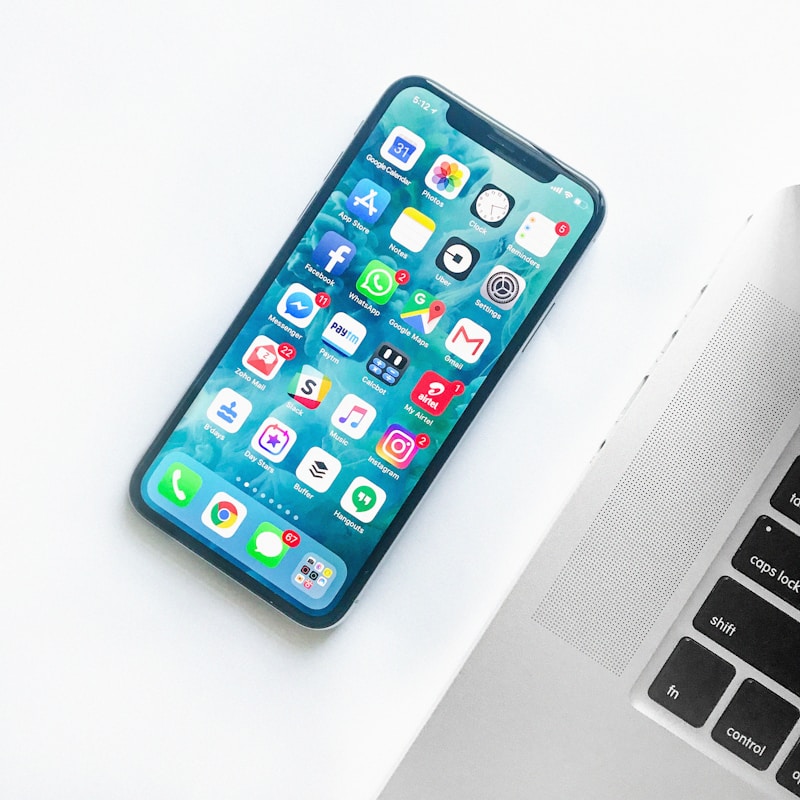
Apple scam messages feel credible because they are built around account protection, device access, and payment security. A fake Apple ID lock, iCloud alert, or billing issue can make users panic and sign in through the wrong page. An Apple scam checker helps you slow that moment down and see whether the warning is real or just a brand-impersonation phishing attempt.
What a apple scam checker should look for
Most Apple scams arrive as Apple ID verification emails, iCloud security alerts, App Store billing issues, or fake support numbers. The message wants you to sign in immediately, confirm a payment problem, or call support through a number chosen by the scammer.
Top red flags to watch for
1. The message says your Apple ID is locked or under attack and demands immediate sign-in.
2. The login or support link does not lead to a real Apple domain.
3. You are pushed to call a support number in the message instead of using Apple's official support routes.
How to check it with AskdwinAI
Step 1. Paste the Apple alert into AskdwinAI to detect phishing and brand-impersonation patterns.
Step 2. Inspect the link before opening it and compare the destination to Apple's real domains.
Step 3. Check account issues only through the real Apple settings, appleid.apple.com, or official support site you open manually.
What to do if it is a scam
Step 1. Do not sign in through the suspicious message or call the listed support number.
Step 2. Report the phishing message and block the sender where possible.
Step 3. If you entered credentials, change the password immediately and review trusted devices and payment methods.
Apple Scam Checker: How to Spot Fake Apple ID and iCloud Security Alerts
Partagez cet article avec des proches ou collègues qui pourraient profiter de cette éducation anti-arnaque — ou soutenez AskdwinAI par un don.
Questions fréquentes
How do fake Apple ID alerts work?
They create urgency around account security or billing, then send you to a fake sign-in page or fake support flow that steals credentials.
Will Apple ask me to verify my account through an unexpected text link?
Treat that as suspicious. It is safer to open Apple's official account pages yourself rather than use a message link.
What if I logged in on a fake Apple page?
Change your Apple password immediately, review trusted devices, and check payment and security settings for unauthorized changes.
Vérifiez un contenu suspect maintenant
Collez un message suspect, téléchargez une capture, vérifiez une URL ou un numéro de téléphone. Gratuit, anonyme et immédiat.
Articles liés
How to Check If an Email Is Phishing Before You Enter Your Password
If you need to know how to check if an email is phishing, focus on fake login pressure, brand mismatch, and suspicious link behavior before you sign in anywhere.
Scam Detector Link Checker: How to Test a Suspicious URL Before You Click
If you only have a suspicious link, you need more than a guess. Here is how a scam detector link checker should test a URL before you open it.
Best Scam Detector Website Checker Online: What to Look For Before You Trust a Site
Not every website checker catches the same risks. Here is how to evaluate a scam detector website checker online before you trust the result.
Explorer davantage ce schéma d'arnaque
Passez de l'information à l'action avec des détecteurs, alertes en direct et pages hub qui approfondissent le sujet.
Passez de cet article au détecteur qui correspond exactement à ce type d'arnaque.
Voyez si ce schéma d'arnaque est particulièrement actif en ce moment.
Analysez immédiatement le vrai message, lien, capture ou numéro avec AskdwinAI.